
Lighting Your Way to Home Office Perfection
Your home office is more than just a workspace—it’s your creative sanctuary, your productivity powerhouse, and let’s be honest, probably your Zoom stage too.
But here’s the thing that most people get wrong about home office lighting: they treat it like an afterthought instead of the foundation of good design.
Poor lighting doesn’t just make you squint at spreadsheets. It creates eye strain, kills your mood, and makes you look like you’re calling in from a cave during video meetings.
The good news? Getting your lighting right isn’t rocket science. You just need to understand a few key principles:
- How different types of light affect your work and well-being
- What positioning actually works (hint: overhead isn’t always the answer)
- Which lighting mistakes are sabotaging your productivity
- How to create Instagram-worthy setups that actually function
Ready to transform your workspace from dim and dreary to bright and brilliant? Let’s dive in.
The Foundation: Understanding Your Home Office Lighting Needs
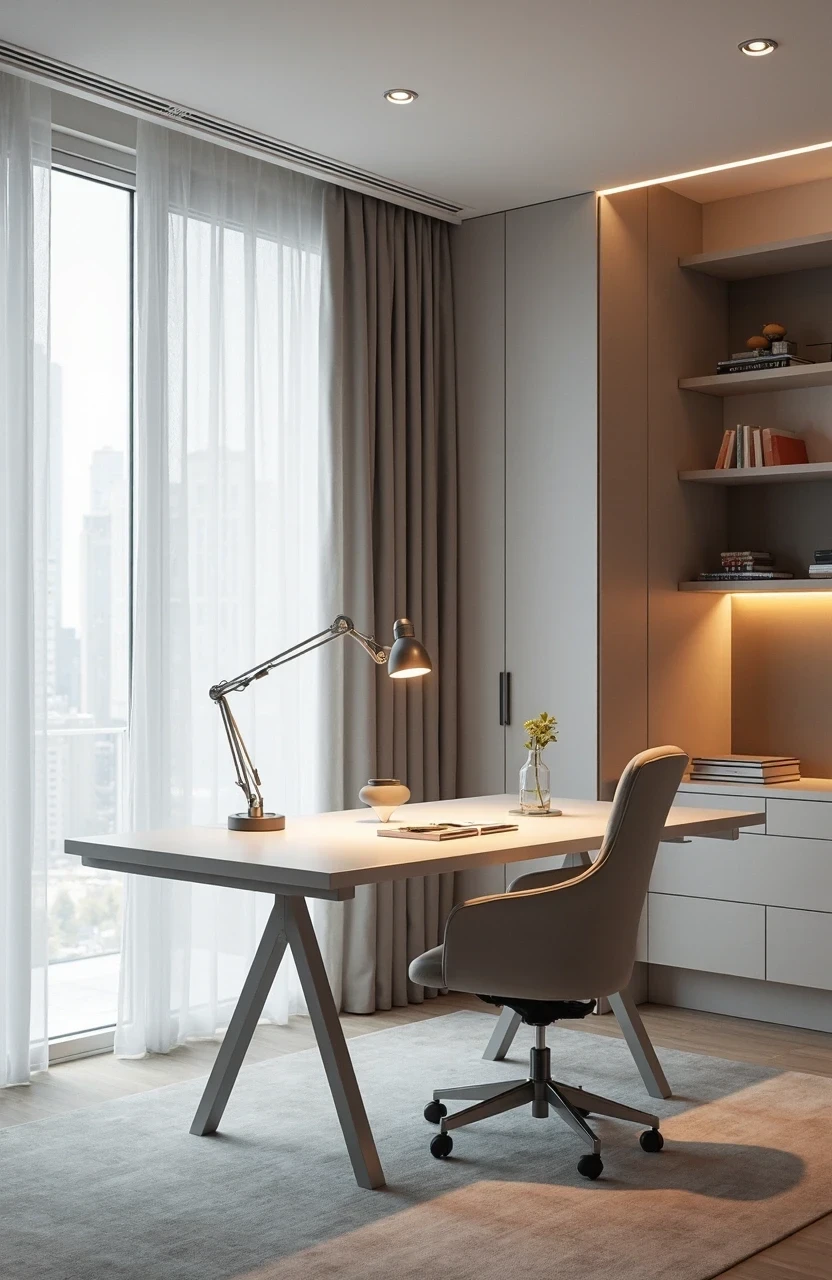
Think of lighting like the foundation of a house—get it wrong, and everything else suffers. Your home office lighting needs to serve multiple masters: your computer work, your video calls, your reading, and yes, even your afternoon coffee breaks.
The magic number you want to remember is 500-1000 lux for detailed work. That’s the measurement of light intensity that keeps your eyes happy during long work sessions. For comparison, a typical living room sits around 50 lux, while bright daylight hits 10,000 lux.
But here’s where it gets interesting—you don’t want just one light source blasting you with 1000 lux. That’s like trying to light a sculpture with a single spotlight. You’ll get harsh shadows, glare, and a headache by lunch.
Instead, you want what designers call layered lighting:
- Ambient lighting – your room’s general illumination
- Task lighting – focused light for specific work
- Accent lighting – the mood-setting pieces that make everything feel intentional
This approach doesn’t just prevent eye strain; it creates depth and visual interest. Because who says functional can’t be beautiful?
Task Lighting: Your Productivity’s Best Friend
Here’s where most people mess up their home office lighting: they rely solely on that overhead fixture that came with the house. It’s like trying to cook a gourmet meal with only a microwave—technically possible, but you’re missing so much potential.
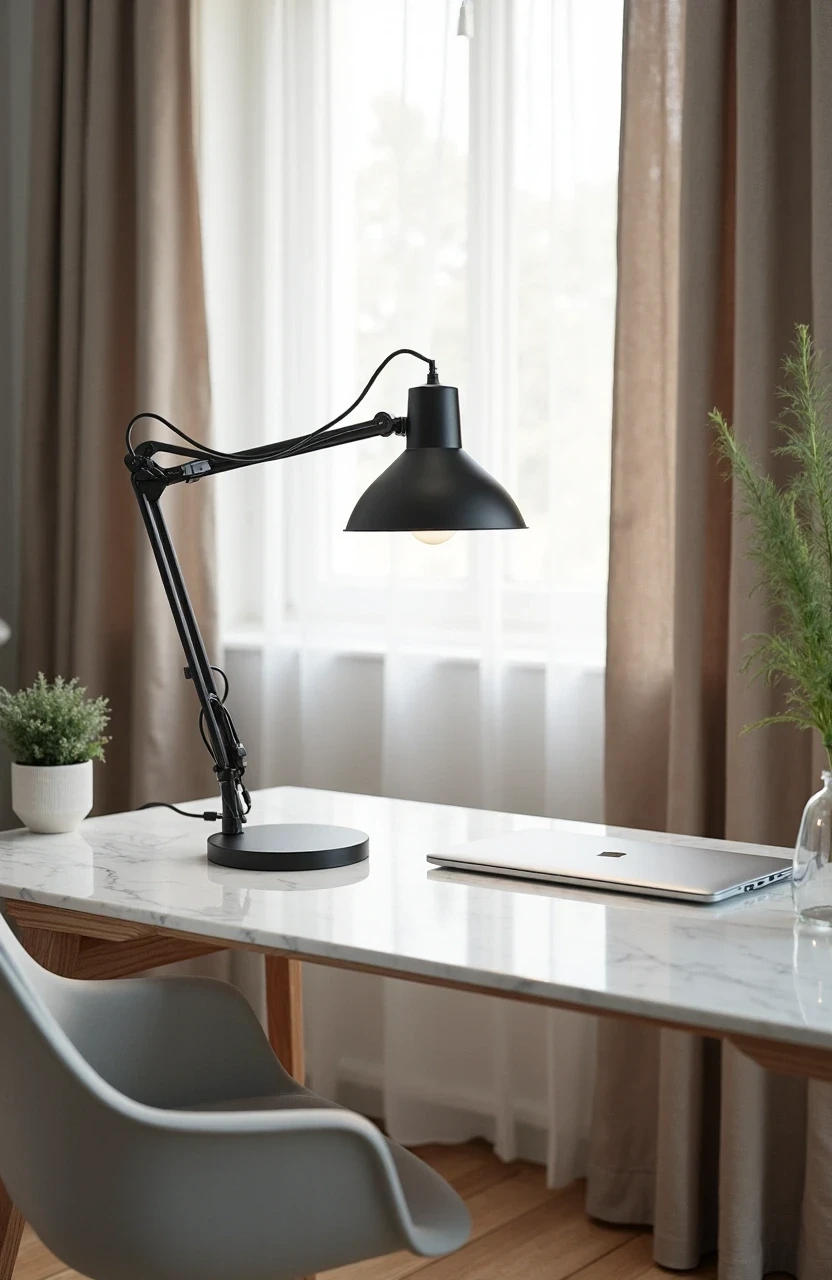
Task lighting is your secret weapon for focused work. Position a quality desk lamp about 15-20 inches from your workspace, angled to minimize shadows on your keyboard and documents. The sweet spot is having the light come from your non-dominant side—so if you’re right-handed, place it on your left.
The Best Task Lighting Options:
- Adjustable desk lamps – Look for ones with dimmer switches and flexible necks
- Under-cabinet LED strips – Perfect for floating desk setups
- Pendant lights – Stylish option for deeper desks, just ensure they’re adjustable
- Floor lamps with focused beams – Great for L-shaped or corner workspaces
The temperature of your task lighting matters too. Aim for 4000K to 5000K during work hours—it’s that crisp, energizing light that keeps you alert without being harsh. Save the warm, cozy 2700K bulbs for your evening wind-down routine.
One pro tip that interior designers swear by: avoid task lights that create a bright pool surrounded by darkness. Your eyes constantly adjust between the bright work surface and dim surroundings, leading to fatigue. Balance is everything.
Computer Work: Protecting Your Eyes While Staying Productive
Staring at screens all day wasn’t exactly what our eyes evolved for. But since we’re not going back to typewriters anytime soon, let’s talk about home office lighting that actually supports your digital lifestyle.
The biggest culprit in computer eye strain? Glare. It happens when light reflects off your screen, forcing your eyes to work overtime to process what you’re seeing. Position your monitor perpendicular to windows, not facing them or with them directly behind.
Screen-Friendly Lighting Setup:
Monitor positioning is crucial—the top of your screen should be at or slightly below eye level, about arm’s length away. This isn’t just ergonomic advice; it affects how light interacts with your display.
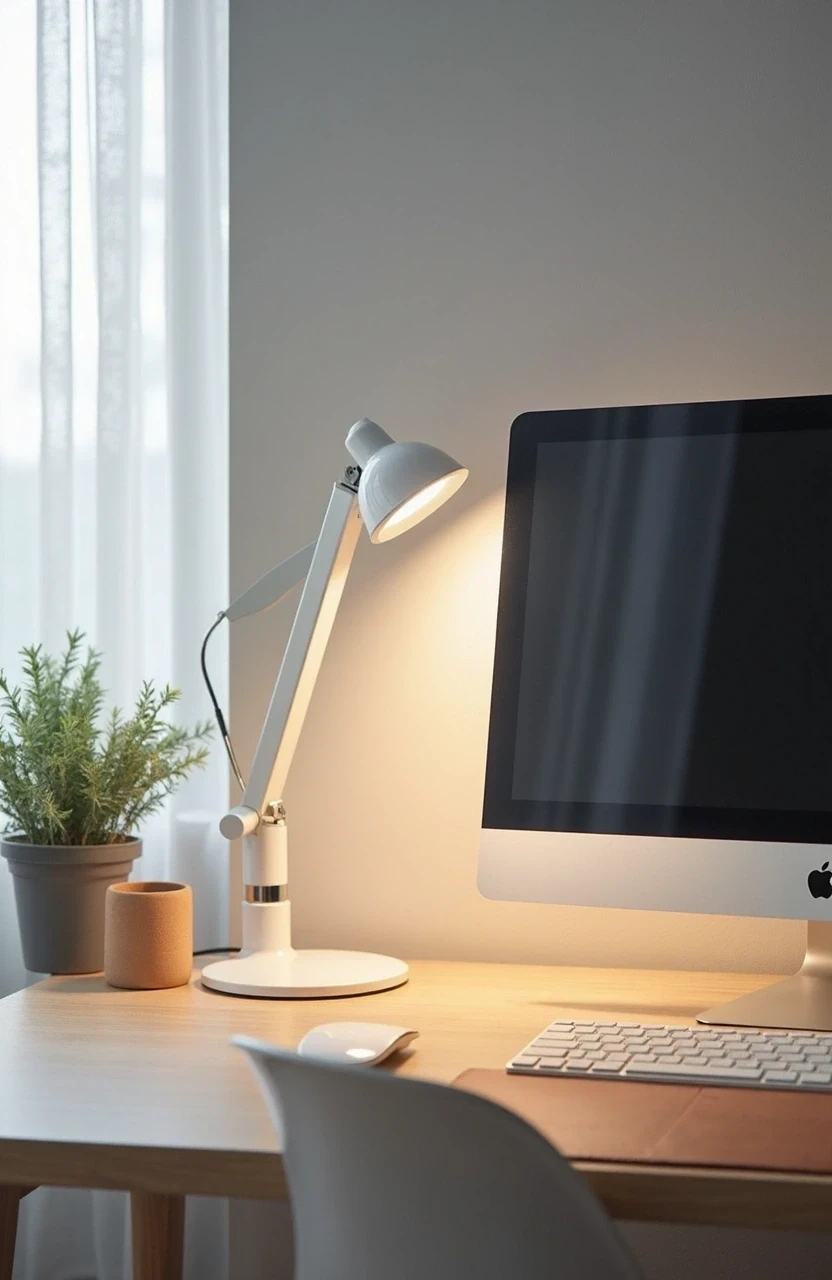
Bias lighting is a game-changer that most people haven’t heard of. It’s a soft light source placed behind your monitor that reduces the contrast between your bright screen and the darker room. You can buy fancy bias lighting strips, or simply position a small lamp behind your monitor. The goal is gentle, indirect light that doesn’t create reflections.
Your ambient room lighting should be about half as bright as your screen brightness. Too dim, and your pupils work overtime. Too bright, and your screen looks washed out.
Here’s something interesting: blue light gets all the bad press, but it’s not necessarily the villain. The research is mixed on blue light filters, but what definitely helps is giving your eyes regular breaks and ensuring proper lighting contrast in your space.
Video Call Lighting: Looking Professional from Home
Nothing says “I’ve got this work-from-home thing figured out” quite like showing up to video calls with perfect lighting. And nothing screams amateur hour quite like that unflattering overhead shadow situation.
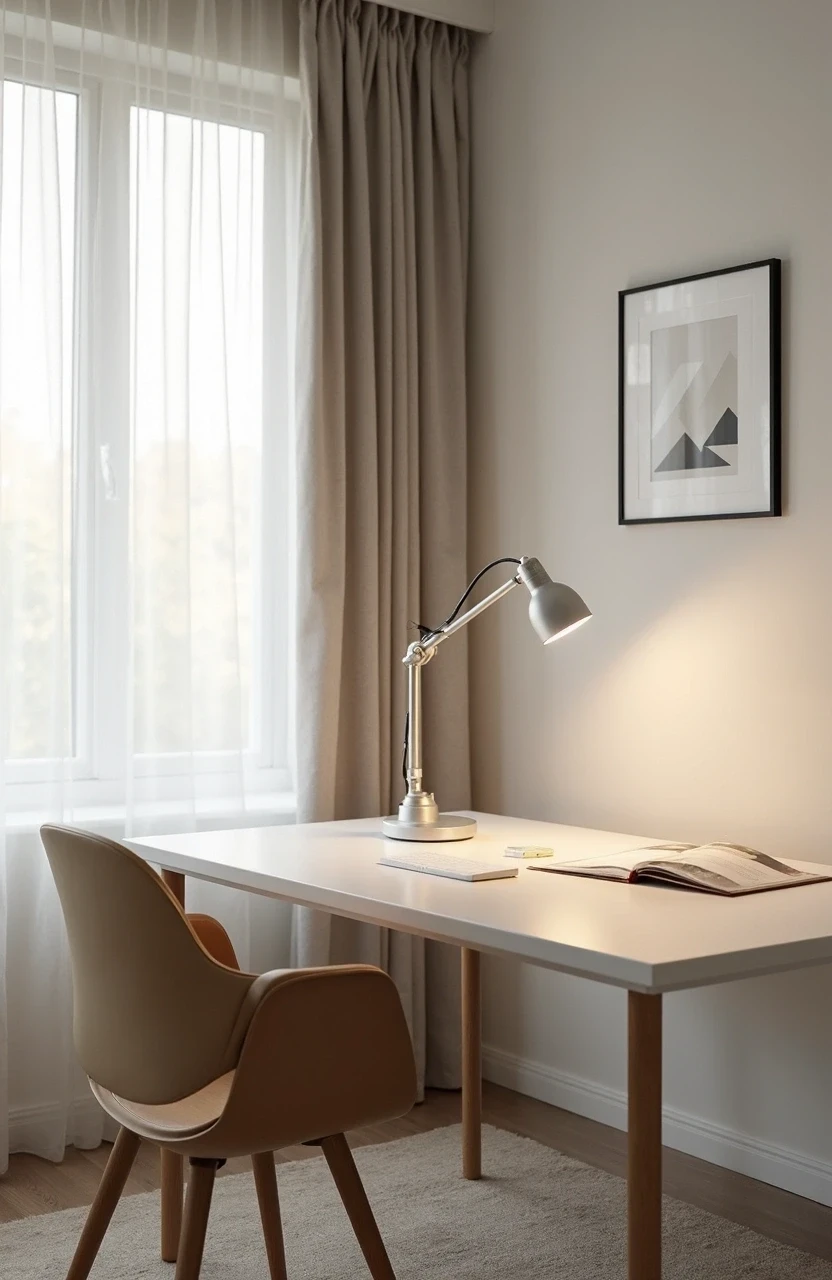
The golden rule of video call lighting: light your face, not your background. You want soft, even illumination that eliminates shadows under your eyes and chin. Think of how photographers light portraits—that’s your goal.
Video Call Lighting Solutions:
| Lighting Type | Pros | Cons | Best For |
|---|---|---|---|
| ————— | —— | —— | ———- |
| Ring lights | Even, shadow-free illumination | Can look artificial, takes desk space | Frequent video calls |
| Key light panels | Professional results, adjustable | More expensive, requires setup | Daily meetings |
| Natural window light | Flattering, free | Inconsistent, weather dependent | Occasional calls |
| Desk lamp + diffuser | Budget-friendly, dual purpose | Requires DIY setup | Casual meetings |
Position your light source at eye level or slightly above, never below (unless you’re going for that horror movie vibe). If you’re using a window, face it straight-on rather than having it to one side—asymmetrical lighting is rarely flattering.
A surprisingly effective hack: tape a piece of white paper over a desk lamp to create a DIY softbox. It diffuses the light beautifully and costs practically nothing.
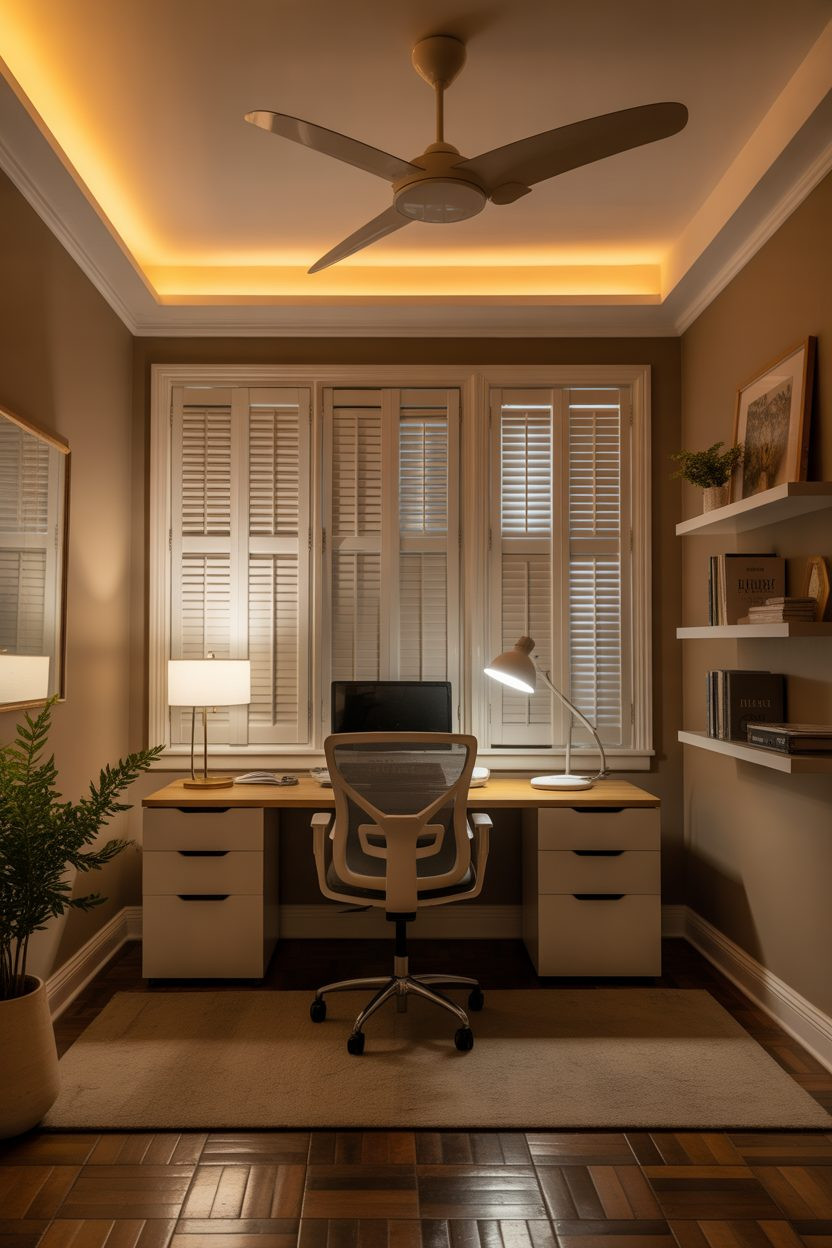
Ambient Lighting: Setting the Right Mood for Productivity
Your home office lighting shouldn’t make you feel like you’re in a sterile laboratory or a dimly lit cave. Ambient lighting is what makes your space feel intentional and welcoming—important factors when you’re spending eight-plus hours there daily.
Ceiling fixtures are fine, but they’re not the whole story. They provide general illumination but rarely create the kind of atmosphere that makes you want to tackle your to-do list. Instead, think about how light moves through your space.
Creating Layered Ambient Light:
Wall sconces add vertical light that makes ceilings feel higher and spaces more dynamic. They’re particularly effective in smaller home offices where floor space is premium.
Floor lamps in corners eliminate dark spots and create visual balance. Choose ones with upward-facing shades to bounce light off the ceiling for soft, diffused illumination.
String lights or LED strips behind furniture can add a subtle glow that feels modern and cozy. Just keep it tasteful—you want sophisticated, not college dorm room.
The key is avoiding the “single light source” trap. Multiple gentle sources create depth and prevent that flat, institutional feeling that kills creativity.

Natural Light: Your Free Mood Booster
Here’s something that might surprise you: natural light exposure during work hours can improve your sleep quality at night. Your circadian rhythm thrives on the daily cycle of bright and dim light, and your home office setup plays a bigger role in this than you might think.
But natural light in home offices isn’t always straightforward. Too much creates glare and heat. Too little leaves you feeling like a vampire. The goal is controlled natural light that supports your work without overwhelming it.
Maximizing Natural Light Benefits:
Window placement relative to your desk matters enormously. The ideal setup has windows perpendicular to your computer screen—you get the mood and health benefits without the glare issues.
Light-filtering window treatments are your friends. Sheer curtains, light-filtering blinds, or cellular shades let you control brightness throughout the day while maintaining that connection to the outdoors.
Reflective surfaces can help distribute natural light more evenly. A strategically placed mirror or light-colored wall can bounce daylight deeper into your space. But be careful with computer screens and mirrors—reflections can create problematic glare.
During winter months or in spaces with limited windows, consider a light therapy lamp for your morning routine. It’s not quite the same as natural sunlight, but it can help maintain your energy levels during darker months.
Common Lighting Mistakes That Kill Productivity
Let’s talk about the home office lighting mistakes that are probably happening in your space right now. These aren’t just aesthetic issues—they’re productivity killers that you might not even realize are affecting you.
The Overhead-Only Trap
Relying solely on ceiling lights is like trying to paint a masterpiece with house paint brushes. It technically works, but you’re missing all the nuance. Overhead fixtures create harsh shadows on your work surface and unflattering light for video calls.
The Glare Game
Computer screen glare is sneaky. You might not consciously notice it, but your eyes are working overtime to process information through reflections and hot spots. If you can see light fixtures or windows reflected in your screen, repositioning is needed.
Temperature Inconsistency
Mixing warm and cool light temperatures in the same space creates visual chaos. Your brain has trouble processing the conflicting signals, leading to eye strain and reduced focus. Stick to similar color temperatures for your primary work lighting.
The Too-Dim Trap
Under-lighting your space might feel cozy, but it forces your eyes to work harder. The contrast between your bright computer screen and dark surroundings is particularly problematic during long work sessions.
Ignoring Time of Day
Static lighting throughout the day doesn’t match how your body actually functions. Morning calls for brighter, cooler light. Evening work benefits from warmer, softer illumination.
Energy-Efficient Options: Smart Choices for Smart Homes
Here’s where being environmentally conscious meets being budget-smart. LED technology has revolutionized home office lighting, offering options that were impossible just a few years ago.
Smart bulbs let you adjust brightness and color temperature throughout the day without changing fixtures. Set them to cool, bright light for morning productivity and warm, dim light for evening tasks. Many can be programmed to automatically adjust based on time of day.
Energy-Efficient Lighting Comparison:
- LED bulbs: 80% more efficient than incandescent, last 15-25 times longer
- CFL bulbs: 70% more efficient than incandescent, but contain mercury
- Halogen incandescent: 20-30% more efficient than traditional incandescent
- Smart LEDs: Programmable efficiency, can reduce usage through automation
Motion sensors for ambient lighting ensure you’re not illuminating empty spaces. They’re particularly useful for home offices in multi-purpose rooms.
Dimmer switches are one of the most cost-effective upgrades you can make. They extend bulb life, reduce energy usage, and give you precise control over your lighting levels throughout the day.
The upfront investment in quality LED fixtures pays for itself through reduced energy bills and replacement costs. Plus, better lighting genuinely improves work quality and job satisfaction—harder to quantify but definitely valuable.
Seasonal Adjustments: Adapting Your Lighting Year-Round
Your home office lighting needs aren’t static. What works during bright summer days will leave you feeling dreary during winter months. Smart lighting design accounts for these seasonal shifts.
Summer adjustments focus on controlling excess natural light while maintaining brightness. Light-filtering blinds become essential, and you might rely more heavily on task lighting while reducing ambient brightness.
Winter strategies compensate for shorter days and lower-quality natural light. This is when those light therapy lamps earn their keep, and you might increase your ambient lighting levels to maintain energy and mood.
Spring and fall are transition periods where flexible lighting systems really shine. Being able to easily adjust brightness and warmth as daylight hours change prevents that jarring feeling of fighting against your environment.
Consider investing in lighting that can adapt with you rather than requiring complete seasonal overhauls. Smart bulbs, adjustable fixtures, and layered lighting systems give you the flexibility to fine-tune your space year-round.
Lighting Your Path to Success
Creating the perfect home office lighting setup isn’t about following rigid rules—it’s about understanding how light affects your work, mood, and well-being, then making thoughtful choices that support your best performance.
The investment in proper lighting pays dividends in reduced eye strain, better video call presence, and that intangible feeling of working in a space that’s truly yours. Because when your environment supports you, everything else gets a little bit easier.